Updated: January 2026
TrackRoad Demo Videos for Route Optimization, Dispatch & Driver Communication
Short demos showing how TrackRoad route optimization, dispatch, tracking, and communication features work.
Each video includes a summary and related guides to help you implement the workflow in your own fleet.
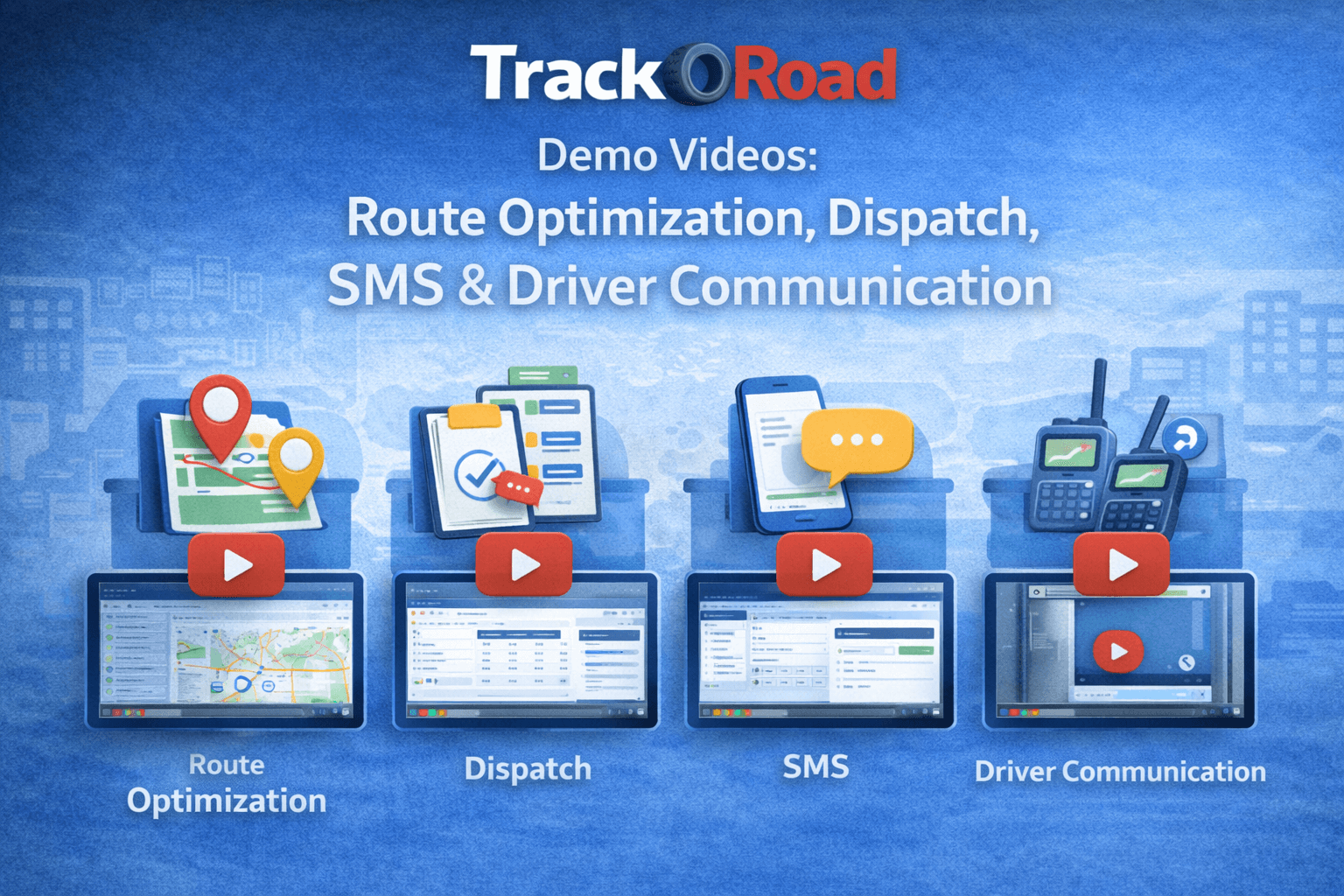 Short demo videos showing how TrackRoad route optimization, dispatch, and driver communication work in real fleets.
These demos are designed for dispatchers, fleet managers, developers, and operations teams evaluating route optimization and delivery workflows.
Browse TrackRoad demo videos by topic below, then open each page to watch the video and follow step-by-step workflow notes.
Related APIs:
Dispatch API,
Route API
1) Route Optimization Demo (Multi-Stop Routing)#
Watch the full workflow: import stops from Excel, apply constraints like time windows and service time,
optimize routes across vehicles, and export or dispatch routes to drivers.
Watch demo →
2) Manage Users (Drivers, Dispatchers, Roles)#
Add drivers and dispatchers, manage user roles, and control which team members can access routing,
tracking, and dispatch workflows.
Watch demo →
3) SMS Communication (Dispatch, Drivers & Customers)#
Send SMS messages from dispatch to drivers and customers for real-time updates, delivery notifications,
and instant communication.
Watch demo →
4) Walkie-Talkie Communication#
Walkie-talkie style instant communication between drivers and dispatch — ideal for field teams that need
quick responses without switching apps.
Watch demo →