Route Optimization for Delivery Companies (Reduce Miles, Improve On-Time Delivery)
Delivery companies succeed or fail on route efficiency. If routes are built manually or with basic navigation tools,
you’re likely losing time, fuel, and capacity. Route optimization helps delivery operations reduce miles,
increase stops per route, and improve on-time delivery — even with time windows, service time, and multiple drivers.
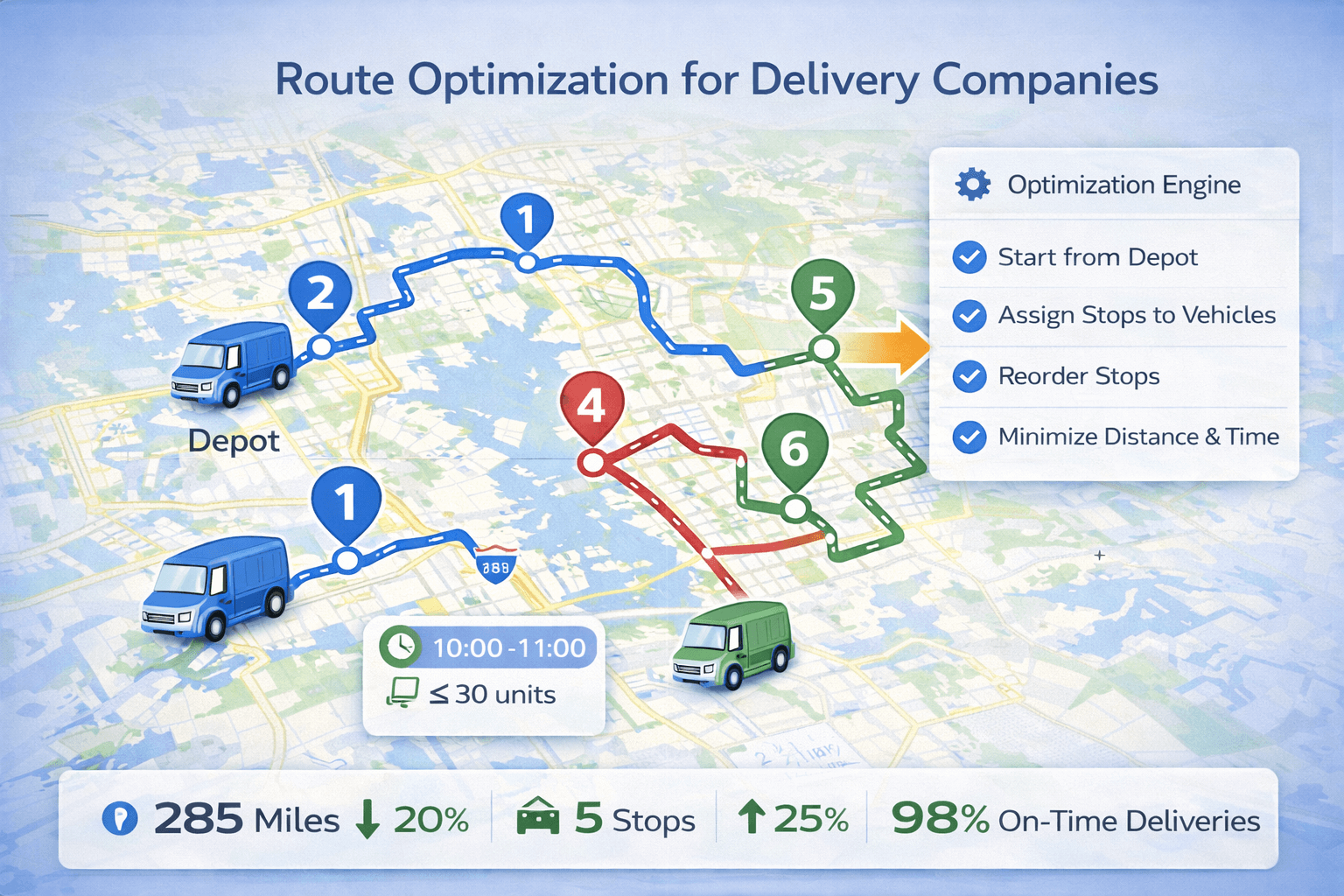 Delivery route optimization assigns stops to multiple vehicles, respects time windows and capacity,
and minimizes total distance for fleet operations.
Delivery route optimization assigns stops to multiple vehicles, respects time windows and capacity,
and minimizes total distance for fleet operations.
Quick answer#
Route optimization for delivery companies is the process of planning the best delivery routes across many stops
by (1) choosing the best stop order, (2) assigning stops to vehicles, and (3) scheduling routes to respect constraints like
time windows, service time, driver working hours, and capacity.
If you’re new to the topic, start here:
What is route optimization? and
how it works.
Why delivery routing is hard#
Delivery routing is more than picking the shortest path. Most delivery operations solve a version of the
Vehicle Routing Problem (VRP): plan routes across many stops while balancing feasibility and efficiency.
- Dozens to hundreds of deliveries per day
- Time windows and appointment constraints
- Multiple drivers and vehicles
- Service time at each stop (minutes matter)
- Capacity limits (weight, volume, boxes)
- Traffic and real-world variability
Learn more:
Vehicle Routing Problem (VRP).
Benefits of route optimization for delivery companies#
Route optimization improves cost, speed, and delivery reliability. Most delivery companies see the biggest wins from:
- Reduced miles and drive time: fewer miles means lower fuel cost and less wear on vehicles.
- More stops per route: better sequencing + less backtracking increases daily capacity.
- Higher on-time delivery rate: time windows become feasible and predictable.
- Less dispatcher workload: planning time drops from hours to minutes.
- Better driver experience: clearer plans reduce route drift and confusion.
See the full breakdown:
Route optimization benefits.
Feature comparison: Google Maps vs route optimization software#
Google Maps is excellent for navigation. Delivery operations often need fleet planning features that maps do not provide.
Here is the difference in practical delivery terms:
| Capability |
Google Maps / basic navigation |
Route optimization (delivery ops) |
| Best stop order (many stops) |
⚠️ Limited |
✅ Yes |
| Time windows (delivery appointments) |
❌ No |
✅ Yes |
| Service time per stop |
❌ No |
✅ Yes |
| Multiple vehicles (stop-to-driver assignment) |
❌ No |
✅ Yes |
| Capacity limits (weight/volume/pieces) |
❌ No |
✅ Yes |
| Dispatcher workflow (review, balance, publish) |
❌ No |
✅ Yes |
See the full comparison:
Route optimization vs Google Maps.
Key delivery routing constraints that affect feasibility#
Time windows
If customers require delivery between specific hours (e.g., 9:00–12:00), routes must be scheduled to arrive within the window.
Learn more:
Route optimization with time windows.
Service time per delivery
Each stop might take 2–15 minutes (parking, unloading, signature, photo, paperwork). Ignoring service time makes ETAs unreliable
and often creates infeasible routes.
Multiple drivers (multi-vehicle routing)
Delivery fleets need stop assignment across drivers plus route optimization for each route.
Learn more:
Multiple vehicles (fleet routing).
Capacity limits (weight, volume, pieces)
Capacity constraints prevent overloaded routes and reduce delivery failures caused by “impossible” plans.
Working hours (driver schedules)
Real plans must fit inside a shift. Route optimization should respect start/end times and avoid overtime when possible.
Workflows for delivery route optimization#
Workflow A: Optimize a single delivery route (small teams)
- Import stops (Excel or copy/paste)
- Add service time and any time windows
- Optimize and review ETAs
- Dispatch the route to the driver
Workflow B: Optimize multiple routes across multiple vehicles (dispatching)
- Import all stops for the day
- Add vehicles/drivers with start location and working hours
- Run multi-vehicle optimization (stop assignment + routes)
- Review unassigned stops (usually infeasible windows or insufficient capacity)
- Publish routes and monitor execution
TrackRoad supports both workflows — from a single driver route to full fleet dispatching.
Practical step-by-step guide:
How to optimize delivery routes.
Day-of operations: exceptions and re-optimization#
Delivery plans change. The best delivery routing systems support fast re-optimization when operations shift mid-day:
- Failed deliveries / not-at-home: reattempt planning without breaking the rest of the day
- New stops added: insert new jobs with minimal disruption
- Cancellations: remove stops and rebalance routes
- Traffic events: adapt routing when ETAs drift
Most teams start by optimizing morning routes, then re-optimize when exceptions appear.
That’s far more efficient than manual “move stops around” routing.
KPIs + how to measure ROI from delivery route optimization#
Measure before vs after (same territory, similar day types). The most useful delivery KPIs:
- Miles per route and drive time per route
- Stops per driver per day
- On-time delivery rate (within window)
- Overtime hours
- Cost per stop (fuel + labor + overhead)
- Failed delivery / reattempt rate
Simple ROI formula:
- Fuel savings = miles reduced × cost per mile
- Labor savings = drive time reduced × labor cost per hour
- Overtime savings = overtime hours reduced × overtime rate
More detail:
Route optimization benefits.
Implementation checklist (delivery companies)#
- ✅ Clean stop list (validated addresses or coordinates)
- ✅ Time windows added where needed
- ✅ Service time included
- ✅ Vehicles/drivers with working hours configured
- ✅ Capacity constraints added (if applicable)
- ✅ Optimize and review feasibility + ETAs
- ✅ Dispatch routes to drivers (mobile)
- ✅ Track KPIs weekly and refine assumptions
Tip: If routes look “too long” or infeasible, the cause is usually missing service time, windows too strict,
or insufficient vehicles for the day’s workload.
FAQ#
What is route optimization for delivery companies?
Route optimization for delivery companies is the process of generating the best delivery routes across many stops
while considering constraints like time windows, service time, driver working hours, vehicle capacity, and multiple vehicles.
How much can route optimization reduce delivery costs?
Many delivery operations reduce total miles or drive time by 10–30% using route optimization, which can reduce fuel spend,
overtime, vehicle wear, and missed deliveries. Actual savings depend on stop density, time windows, and current planning quality.
Is Google Maps enough for delivery routing?
Google Maps is excellent for navigation, but delivery operations often need time windows, service time, multiple vehicles,
capacity limits, workload balancing, and dispatcher workflows. Route optimization software is designed for those constraints.
What KPIs should a delivery company track after optimizing routes?
Track miles per route, drive time per route, stops per driver, on-time delivery rate, overtime hours, cost per stop,
and failed delivery or reattempt rate. Compare before vs after to measure ROI.