Proof of Delivery (POD): Signatures, Photos & Delivery Audit Trail
Proof of delivery (POD) creates a reliable record that a stop was completed.
Done well, it reduces “missing delivery” disputes, improves customer support response time,
and gives operations teams a clear audit trail of what happened at every stop.
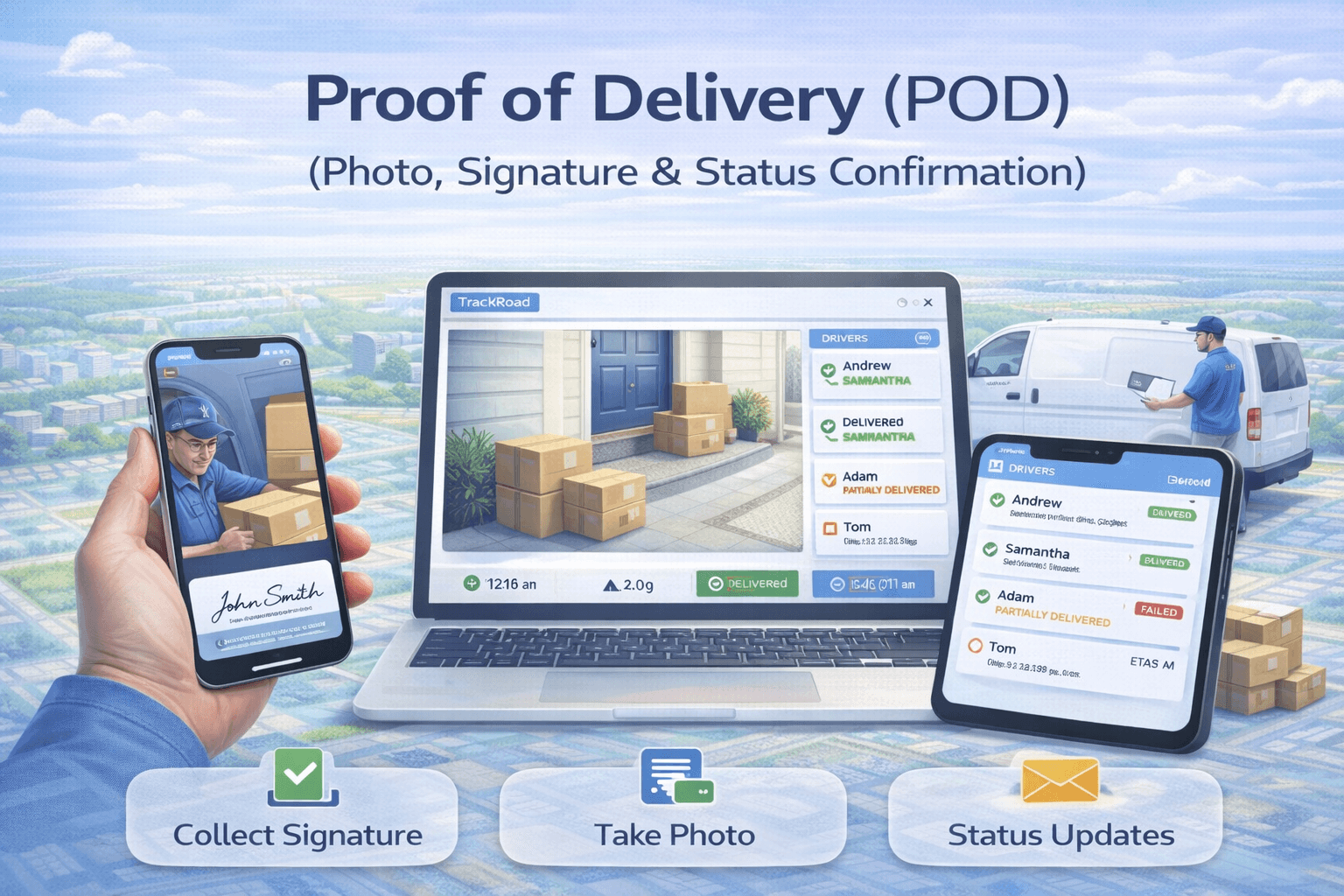 Proof of delivery combines stop status, timestamps, and confirmation details to reduce disputes and improve accountability.
Try Dispatch + Tracking Workflows in TrackRoad
Build routes, dispatch drivers, and monitor stop completion in real time with delivery history and reporting.
Open Tracking Tool
Open Route Optimizer
What is proof of delivery (POD)?#
Proof of delivery (POD) is confirmation that a delivery or service stop was completed.
POD can be lightweight (a “Completed” status) or more detailed (recipient + signature + photo + timestamps).
A strong POD record is not only “what happened” — it’s also when it happened and how the status changed over time (audit trail).
Why proof of delivery matters#
- Fewer disputes: resolve “not delivered” claims with clear evidence.
- Faster customer support: agents can answer “where is my delivery?” using status + timestamps.
- Operational accountability: track completion quality and recurring failure reasons.
- Better reporting: analyze on-time performance and completion rates by route/driver.
POD is most powerful when paired with real-time monitoring:
Live Dispatching and
Driver Tracking.
What to capture (POD checklist)#
The “right” POD fields depend on your business, but these are the most common:
| POD field |
Why it helps |
Common use cases |
| Stop status (Completed / Failed) |
Clear outcome for every stop |
All delivery and field operations |
| Completion timestamp |
Proves when the stop was completed |
On-time performance, customer support |
| Status history (audit trail) |
Shows changes over time (attempted → completed) |
Disputes, compliance, accountability |
| Recipient / notes |
Adds context (“left at front desk”) |
B2B drops, gated deliveries |
| Signature / photo proof |
Stronger confirmation when needed |
High-value items, regulated deliveries |
If your team bulk-loads stops daily, make sure your spreadsheet includes the fields you care about:
Import Stops from Excel.
How POD works in a dispatch workflow#
- Plan routes in the route optimizer.
- Dispatch routes to drivers.
- Drivers update stop status as they complete stops.
- Dispatchers monitor progress and exceptions in real time.
- After the route, use completion history for support and reporting.
Related: Live Dispatching.
How POD reduces disputes (real-world examples)#
Example 1: “We never received it.”
A POD record with completion time + notes (“Delivered to receiving dock”) resolves disputes quickly.
Example 2: “Driver never showed up.”
Status history and timestamps show whether the stop was attempted, delayed, or failed — and why.
Example 3: “Wrong location.”
Adding confirmation details helps identify systemic issues (bad address data, incorrect stop notes, or route planning errors).
Best practices#
Standardize statuses across the team
Use consistent completion states (Completed / Failed / Attempted) so reporting is meaningful.
Require extra confirmation only when needed
High-value or regulated deliveries may need stronger proof; for low-risk stops, status + timestamp may be enough.
Use POD data to improve routing
Late stops and frequent failures can indicate unrealistic schedules. Consider constraints like:
Time windows.
FAQ: Proof of Delivery#
What is proof of delivery (POD)?
POD is confirmation that a stop was completed. It often includes stop status, timestamps, recipient details,
notes, and sometimes signature or photo proof.
What should proof of delivery include?
At minimum: stop status + completion time. For stronger confirmation: recipient, notes,
and (when needed) signature/photo. A status history/audit trail helps resolve disputes.
How does POD help customer support?
Support can answer delivery questions faster using completion time, stop status, and any notes captured during delivery.